











HDD vs SSD: Which is Better: Performance, Speed, Responsiveness?

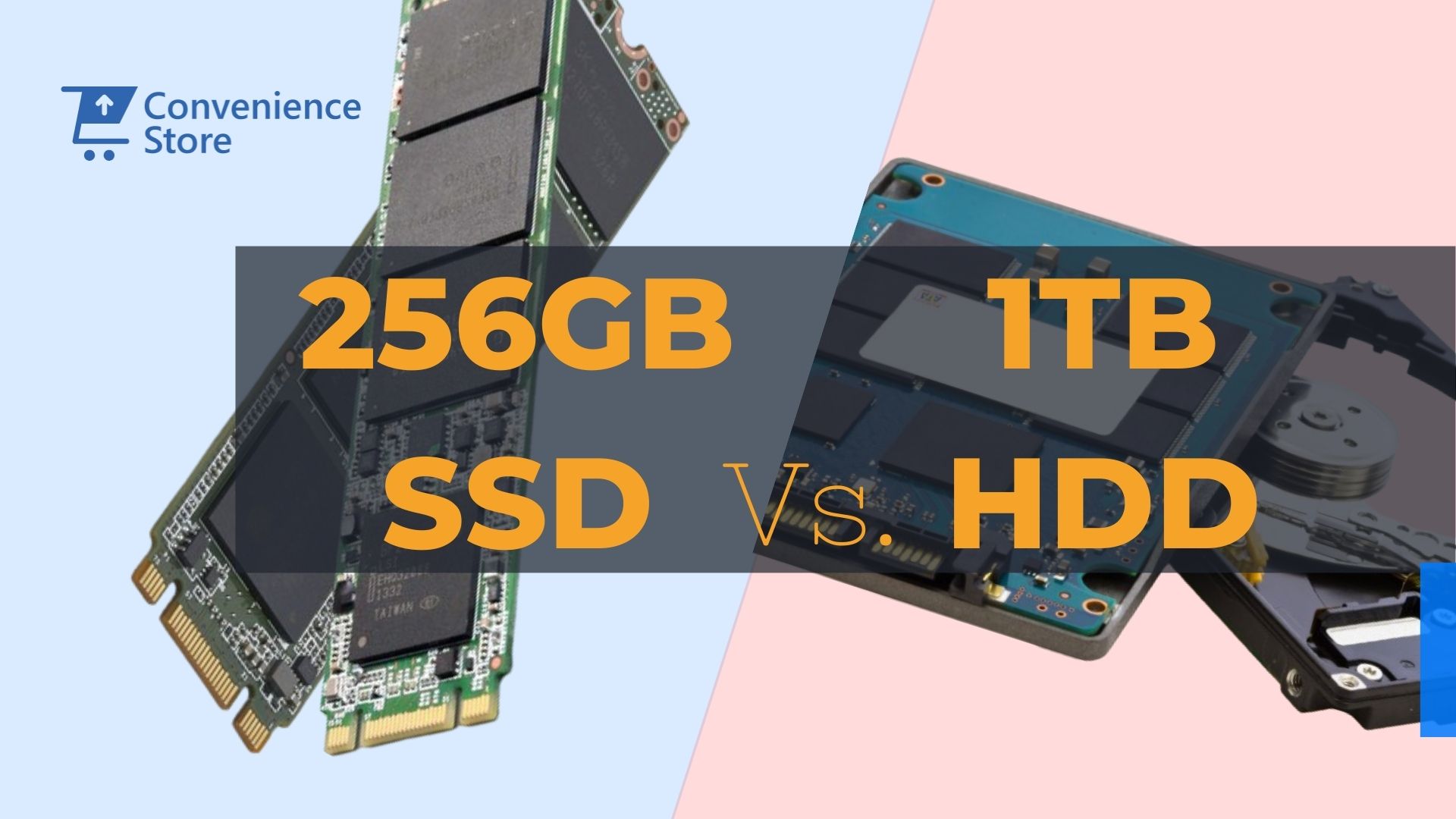
HDDvsSSD
What's the real difference, which is faster, and what does each one cost in Kenya today? — a plain-English guide with real KSh prices.
HDD on average
vs 90s on HDD
starts from
722 264 WhatsApp us
to upgrade today
If your laptop takes two minutes to start, freezes when you open Excel, and sounds like it's thinking very hard — it almost certainly has an HDD. There is a fix, and it costs less than you think.
Every laptop and desktop computer needs a place to permanently store its operating system, applications, and files. For decades, the only option was a Hard Disk Drive — a mechanical device with spinning metal platters that reads and writes data using a physical arm, like a tiny record player. Then came the Solid State Drive: no moving parts, no spinning platters, just flash memory chips that store and retrieve data at speeds the HDD cannot approach. By 2026, the difference between the two has become so significant that no professional should be running a business on an HDD if they have a choice.
This guide explains the HDD vs SSD debate in plain English — what they are, how fast each one actually is, what they cost in Kenya right now, and which one you should be buying or upgrading to. No jargon. No fluff. Just what you need to make a confident decision.
HDD
- Mechanical spinning platters inside
- Slow — boots Windows in 2–4 minutes
- Makes audible clicking/whirring sounds
- Vulnerable to movement and bumps
- Generates more heat
- Drains battery faster on laptops
- Cheap for large capacities
SSD
- No moving parts — pure flash memory
- Fast — boots Windows in under 15 seconds
- Completely silent
- Durable — handles bumps and drops better
- Runs cooler
- Extends laptop battery life
- Higher price per GB — but worth every shilling
How Much Faster Is an SSD, Really?
Speed measured in sequential read/write — the rate at which data moves in and out of storage.
The speed gap between HDD and SSD is not subtle. It is the single most dramatic hardware improvement you can make to any computer. Here is how the three main storage types stack up against each other in real-world sequential performance — the kind of speed that affects how fast Windows boots, how quickly applications open, and how rapidly large files are saved or transferred.
Sequential read speeds. Real-world application-launch and boot-time gains may vary by system.
Head-to-Head: Every Factor Compared
A comprehensive feature-by-feature breakdown of HDD versus SSD.
| Factor | HDD (Hard Disk Drive) | SSD (Solid State Drive) | Winner |
|---|---|---|---|
| Boot Speed | 2–4 minutes | Under 15 seconds | ✔ SSD — dramatically faster |
| App Launch Speed | Slow — noticeable lag | Near-instant | ✔ SSD |
| File Transfer Speed | ~80–120 MB/s | 500–7,000 MB/s | ✔ SSD — up to 60× faster |
| Noise | Audible clicking/spinning | Completely silent | ✔ SSD |
| Heat Generated | More heat from motor | Minimal heat | ✔ SSD |
| Battery Impact (Laptops) | Higher power draw | Lower power draw — extends battery life | ✔ SSD |
| Shock/Vibration Resistance | Vulnerable — moving parts | Excellent — no moving parts | ✔ SSD — better for mobile use |
| Lifespan | 3–5 years average | 5–10 years (with normal use) | ✔ SSD |
| Price per GB | Cheaper per GB | More expensive per GB (narrowing fast) | HDD for raw bulk storage |
| Max Capacities Available | Up to 20TB common | Up to 8TB (4TB+ expensive) | HDD for very large storage needs |
| Verdict for Business Use | ⚠ Outdated — avoid if possible | ✔ The clear choice in 2026 | ✔ SSD — no contest |
An SSD does not just make your laptop faster. It makes you faster. Time saved on boot, loading, and saving adds up to hours every week.
Every laptop in our store runs an SSD · Browse the full range →SSD vs HDD Prices in Kenya — KSh Comparison 2026
Real Kenyan market prices across common storage capacities as of mid-2026.
The price gap between HDDs and SSDs has closed dramatically over the past five years. Today, for the capacities most professionals actually need — 256GB to 512GB — the cost difference is modest enough that there is no practical reason to choose a slower HDD. Here is what each costs in the Kenyan market right now.
| Capacity | HDD Price (KSh) | SSD Price (KSh) — SATA | SSD Price (KSh) — NVMe | Verdict |
|---|---|---|---|---|
| 128GB | Not commonly sold | KSh 2,500 – 3,500 | KSh 3,000 – 4,500 | Tight — upgrade to 256GB |
| 256GB | Rare at this size | KSh 4,000 – 6,000 | KSh 5,000 – 7,500 | ✔ Best entry point for most users |
| 500GB / 512GB | KSh 3,500 – 5,500 | KSh 7,000 – 10,000 | KSh 8,500 – 13,000 | ✔ Recommended for professionals |
| 1TB | KSh 4,500 – 7,000 | KSh 10,000 – 16,000 | KSh 13,000 – 22,000 | ✔ Great for creatives & power users |
| 2TB | KSh 7,500 – 12,000 | KSh 22,000 – 32,000 | KSh 28,000 – 45,000 | HDD may make sense for bulk storage only |
| 4TB+ | KSh 14,000 – 25,000 | KSh 55,000+ | KSh 80,000+ | HDD practical for archival storage |
SATA SSD vs NVMe SSD: What's the Difference?
Not all SSDs are equal — here's how to know which type your laptop supports.
Once you've decided on an SSD, there's one more question: SATA or NVMe? These are the two main SSD interfaces available in Kenya's market, and understanding the difference helps you buy the right drive for your specific machine — and avoid paying for speed you cannot use.
| Type | Interface | Speed | Compatible With | Best For |
|---|---|---|---|---|
| 2.5″ SATA SSD | SATA III | ~500–550 MB/s | Most laptops with HDD slot — very wide compatibility | HDD upgrades, older business laptops |
| M.2 SATA SSD | SATA via M.2 slot | ~500–550 MB/s | Many mid-range laptops (check slot type) | Slim laptops without 2.5″ bay |
| M.2 NVMe SSD | PCIe (NVMe) | 3,500–7,000+ MB/s | Modern laptops — 10th Gen+ Intel, Ryzen 4000+ | Power users, new laptops, developers |
Should You Upgrade Your Existing HDD to an SSD?
The most cost-effective performance upgrade available for any slow laptop.
If your current laptop has an HDD and runs slowly, upgrading to an SSD is — without question — the single most impactful thing you can do to improve its performance. The change is dramatic. A machine that took three minutes to boot and felt sluggish will feel like a different computer. For many Kenyan professionals, a KSh 5,000–8,000 SSD upgrade will give an older business laptop another two to three solid years of productive life — a far better return than buying a new machine.
The process involves replacing the old HDD with an SSD, then either reinstalling Windows fresh (recommended for a clean start) or cloning the existing drive. Most standard business laptops — including EX-UK refurbished machines — support this upgrade straightforwardly. If you're unsure whether your specific laptop is compatible, it's worth asking a professional before buying the drive.
The Answer Is Always SSD
— Unless Storage Size Is the Only Priority
For any professional use — office work, accounting, design, development, video calls, or everyday computing — an SSD is the correct choice in 2026. It is faster, quieter, more durable, better for your battery, and the price difference at sensible capacities (256GB–512GB) is no longer a compelling reason to choose otherwise.
The only scenario where an HDD still makes sense is when you need very large bulk storage (2TB+) on a tight budget — for example, a desktop used as a local backup drive or media archive. For your primary laptop, always choose SSD.
Ready to Upgrade to SSD — or Buy a Laptop That Already Has One?
Every laptop we stock runs an SSD. No HDD machines, no compromises. Walk in, browse online, or send us a WhatsApp with your requirements and budget. Call/WhatsApp: 0714 722 264